Use Strong Passwords: Create complex passwords with a mix of letters, numbers, and symbols. Avoid using the same password for multiple sites.
Enable Two-Factor Authentication (2FA): This adds an extra layer of security to your accounts.
Be Cautious with Personal Information: Avoid sharing sensitive information such as your home address, phone number, or financial details unless absolutely necessary.
Secure Browsing
Use Secure Websites: Ensure that the websites you visit are secure (look for “https://” in the URL).
Avoid Public Wi-Fi for Sensitive Transactions: Public Wi-Fi networks can be less secure, so avoid conducting financial or other sensitive transactions on them.
Software and Devices
Keep Software Updated: Regularly update your operating system, browser, and any apps to protect against security vulnerabilities.
Install Antivirus and Anti-Malware Software: Use reputable antivirus software and keep it updated.
Use a Firewall: Enable the firewall on your router and your devices to block unauthorized access.
Email and Communication
Beware of Phishing Scams: Do not click on links or download attachments from unknown or suspicious emails.
Verify Requests for Information: If you receive a request for sensitive information, verify the source before responding.
Social Media
Adjust Privacy Settings: Review and adjust the privacy settings on your social media accounts to control who can see your information.
Be Mindful of What You Share: Avoid sharing too much personal information or location details on social media.
General Practices
Regularly Backup Data: Regularly back up important data to an external drive or cloud service.
Monitor Financial Statements: Regularly check your bank and credit card statements for unauthorized transactions.
Educate Yourself: Stay informed about the latest internet security threats and how to protect yourself.
For Children and Teens
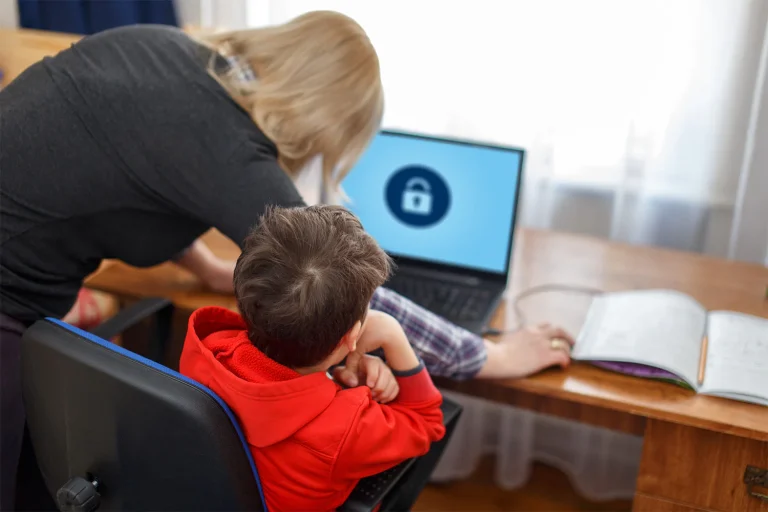
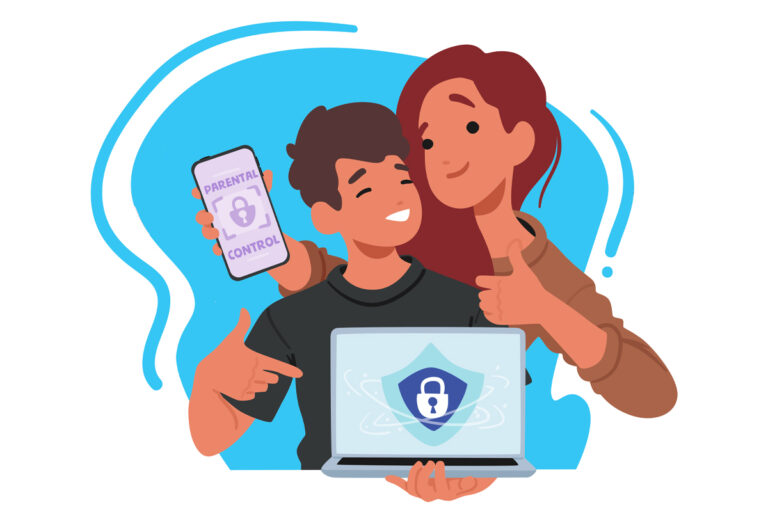
Parental Controls: Use parental control software to monitor and limit children’s internet usage.
Teach Safe Online Behavior: Educate children about the importance of not sharing personal information and how to recognize suspicious online behavior.
Using Secure Connections
VPN (Virtual Private Network): Consider using a VPN to encrypt your internet connection, especially when using public Wi-Fi.
Device Security
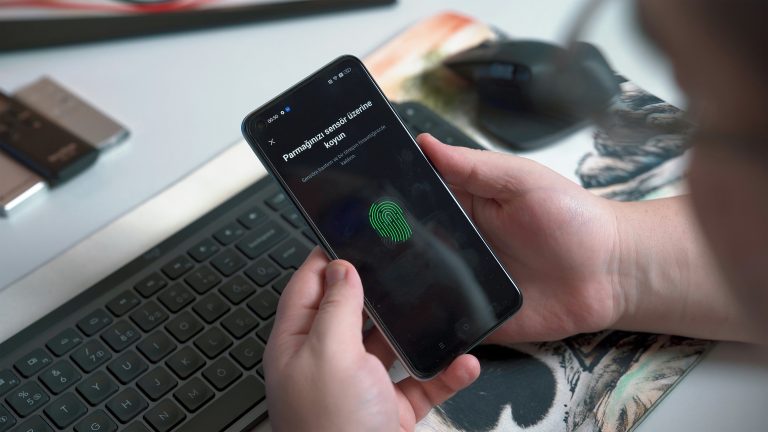
Lock Your Devices: Use passwords, PINs, or biometric locks on your devices to prevent unauthorized access.
Secure Your Home Network: Change the default login credentials for your router and use a strong password.
By following these guidelines, you can significantly reduce the risk of encountering security issues on the internet.
Find Connection with Intermax
Locally owned and operated since 2001, we’re proud to offer high-speed wireless internet, fiber, voice services, and more to thousands of residential and commercial customers.
Headquartered in Coeur d’Alene with offices in Spokane, Seattle, Sandpoint, and St. Maries, Intermax is the local’s choice for reliable service in hard-to-reach places.
Our friendly support team is here to answer any questions you may have. Visit Intermax, or call us at (208) 568-7979, today!