The right business phones — and the help to get the most out of them. From a simple desk phone to a ruggedized handset for the warehouse floor, we match the device to the job, set it up, and show your team how to use it. Pick your phones below, then visit the Knowledge Hub for short how-to videos whenever you need a refresher.
Intermax Voice supports a range of business phones — Yealink desk phones, cordless and ruggedized Wi-Fi handsets, and the SNAPmobile softphone app for computers and cell phones — plus a Knowledge Hub of short Hosted Voice training videos for everyday tasks like voicemail setup, transferring calls, and conference calls.
Phones, Softphones, and Training Resources
Intermax Voice works across desk phones, computers, and cell phones. This page shows the hardware we offer and houses the training videos for your team.You don’t have to figure out which phone fits which desk — we do that with you. Below is the lineup we deploy most, from busy front-office phones to cordless handsets for people on the move and a softphone app so anyone can take business calls from a laptop or cell. Once you’re up and running, the Knowledge Hub has short, step-by-step videos so a new hire or a busy manager can self-serve the common tasks without opening a ticket.
Business Phones
The Right Business Phones for the Way Your Team Works
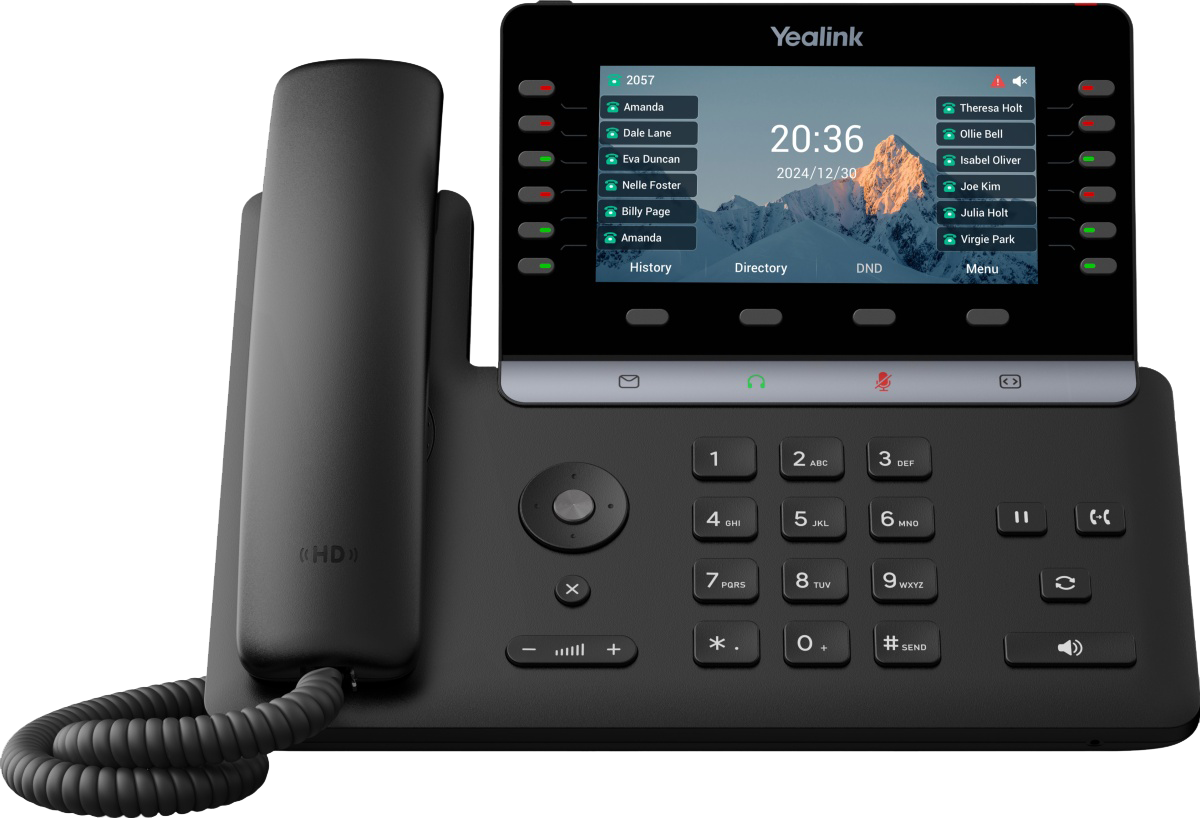
Yealink T85W
Designed for busy offices and team leaders who manage a high volume of calls, the Yealink T85W features a 7-inch adjustable color touchscreen and up to 60 programmable keys, making it easy to answer, transfer, and manage calls quickly.
Built-in Bluetooth and dual-band Wi-Fi 6 provide flexible connectivity, while AI-powered noise cancellation keeps conversations clear and professional. The phone is also NG911 compliant, ensuring accurate location information is transmitted during emergency calls.
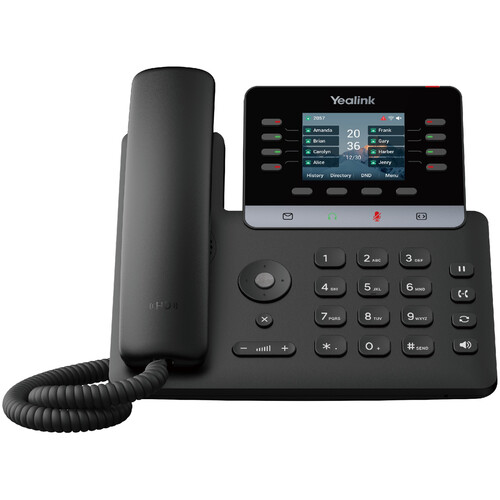
Yealink T73W
A reliable and cost-effective option for everyday business calling, the Yealink T73W is designed for employees who primarily make and receive calls. It features a 2.8-inch color display and up to 30 programmable keys for quick access to frequently used functions.
Built-in Bluetooth and Wi-Fi 6 allow for flexible setup without extra cabling, while HD audio and smart noise filtering help keep conversations clear and professional. The phone is also NG911 compliant, ensuring accurate location information is transmitted during emergency calls.
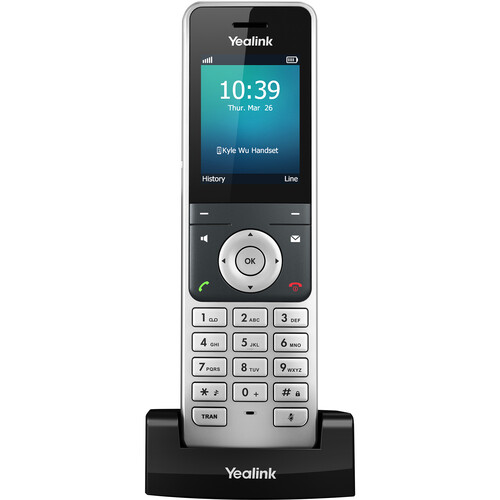
Yealink Cordless Wi‑Fi Phone
Built for mobility, this cordless Wi-Fi phone is ideal for employees who need to stay connected while moving throughout the office, warehouse, or facility. The handset features a clear color display and a convenient charging cradle, making it easy to grab and go between calls.
The phone is also NG911 compliant, ensuring accurate location information is transmitted during emergency calls.
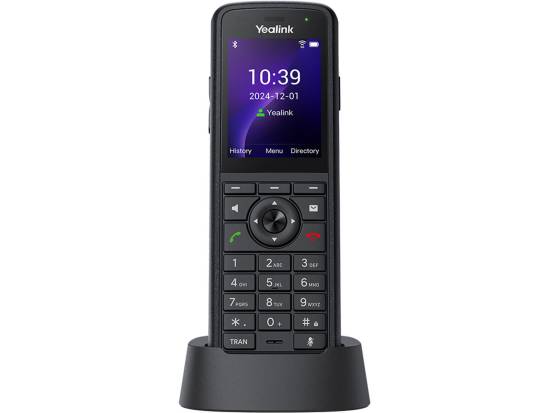
Yealink Ruggedized Cordless Wi‑Fi Phone
Designed for demanding environments, the ruggedized cordless phone is ideal for employees who need reliable communication in warehouses, industrial facilities, or outdoor job sites. The handset features a durable design with a color display and charging cradle, built to withstand dust, water, and accidental drops while maintaining clear HD call quality.
Bluetooth support and a belt clip allow for hands-free mobility throughout the workday. NG911 compliant, ensuring accurate location information is transmitted during emergency calls.
SNAPmobile Web (Softphone) and Mobile app
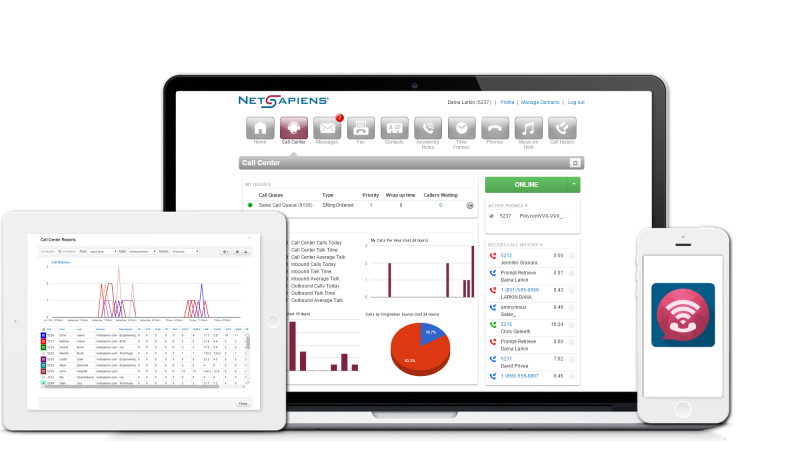
SNAPmobile is a web and mobile app that lets employees make and receive calls from their existing hardware, providing a portable and cost-effective way to stay connected. The desktop version requires a Bluetooth headset, while the mobile version works on any smartphone or tablet, making it ideal for remote or traveling team members.
Please note, SNAPmobile is internet-based and not E911/NG911 compliant, so it should not be relied on for emergency call location.
Knowledge Hub
Master Your Voice Device
Our Hosted Voice training series is your go-to resource for mastering Intermax’s cloud-based phone system. Whether you’re a new user or need a quick refresher, these step-by-step videos will walk you through everything from setting up your voicemail to transferring calls to setting up conference calls. Designed with your busy schedule in mind, each video is short, clear, and easy to follow, so you can get the most out of your Hosted Voice service with confidence.